Simple by design
How It Works
No hardware, no setup, no club budget. If your crew have phones, you can race.
Create a Room
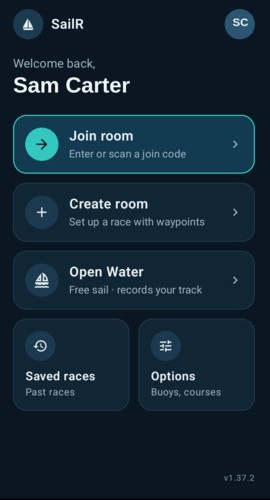
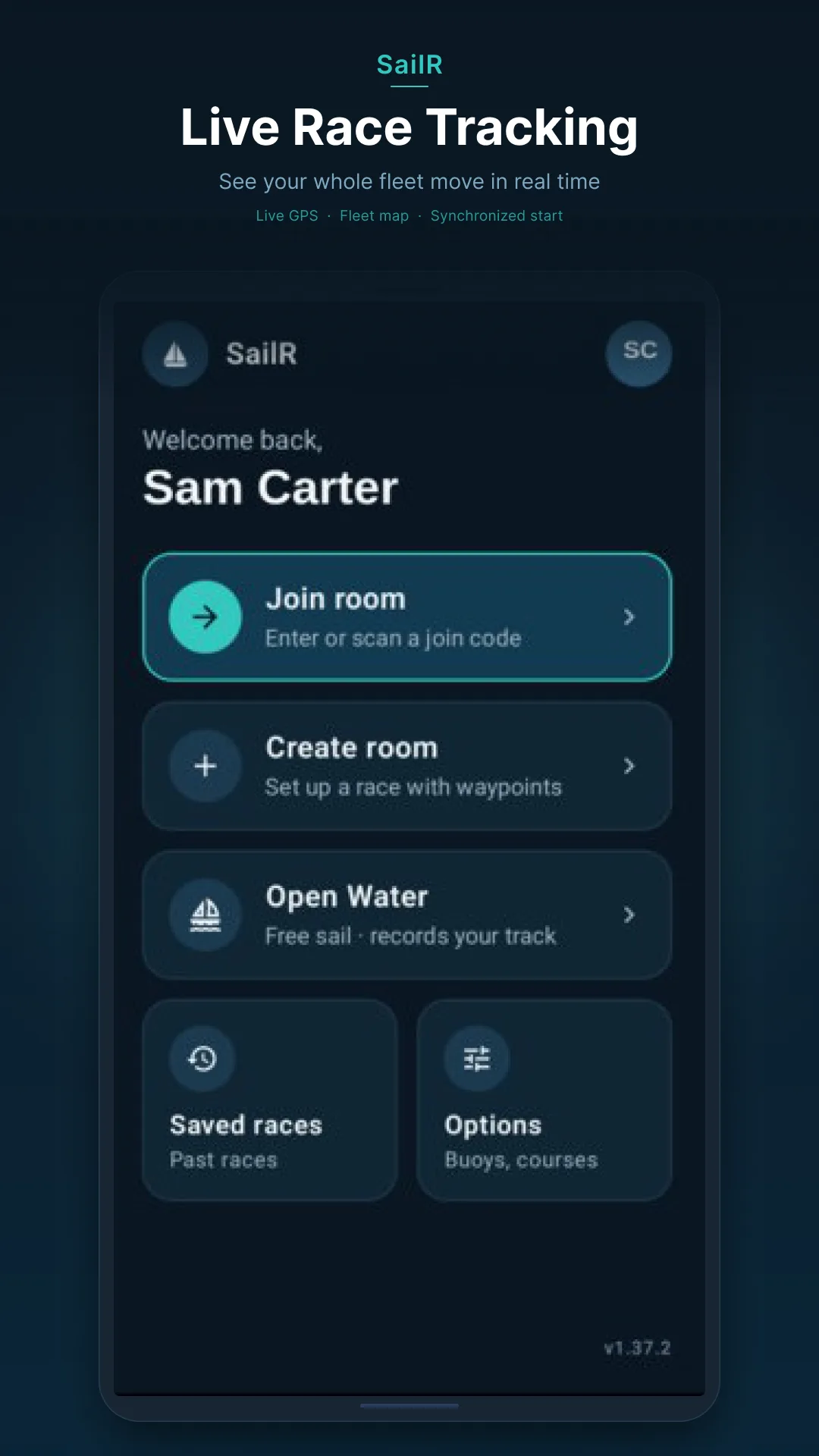
The race organiser opens SailR and taps Create. A 6-character room code is generated instantly.
Share it via WhatsApp, QR code, or just read it out on the dock. Racers join by entering the code — no accounts, no apps to install for spectators.
Set Up the Course
Drop marks on the map and assign Port / Starboard waypoints. The course is shared with the whole fleet before the start.
Buoy positions, start/finish lines, and leg distances are visible to every participant and to shore spectators in the web viewer.
Start the Countdown
The host fires the synchronised countdown timer. Every phone in the fleet syncs to the same clock.
No radio, no flags, no internet latency to worry about — Firestore realtime sync keeps every device within milliseconds of each other.
Race Live
GPS trails stream from every boat as you race. Shore crew follow the whole fleet in real time from any browser.
Wind data, true wind angles, live standings, and course marks are all visible from the web spectator view — no app required.
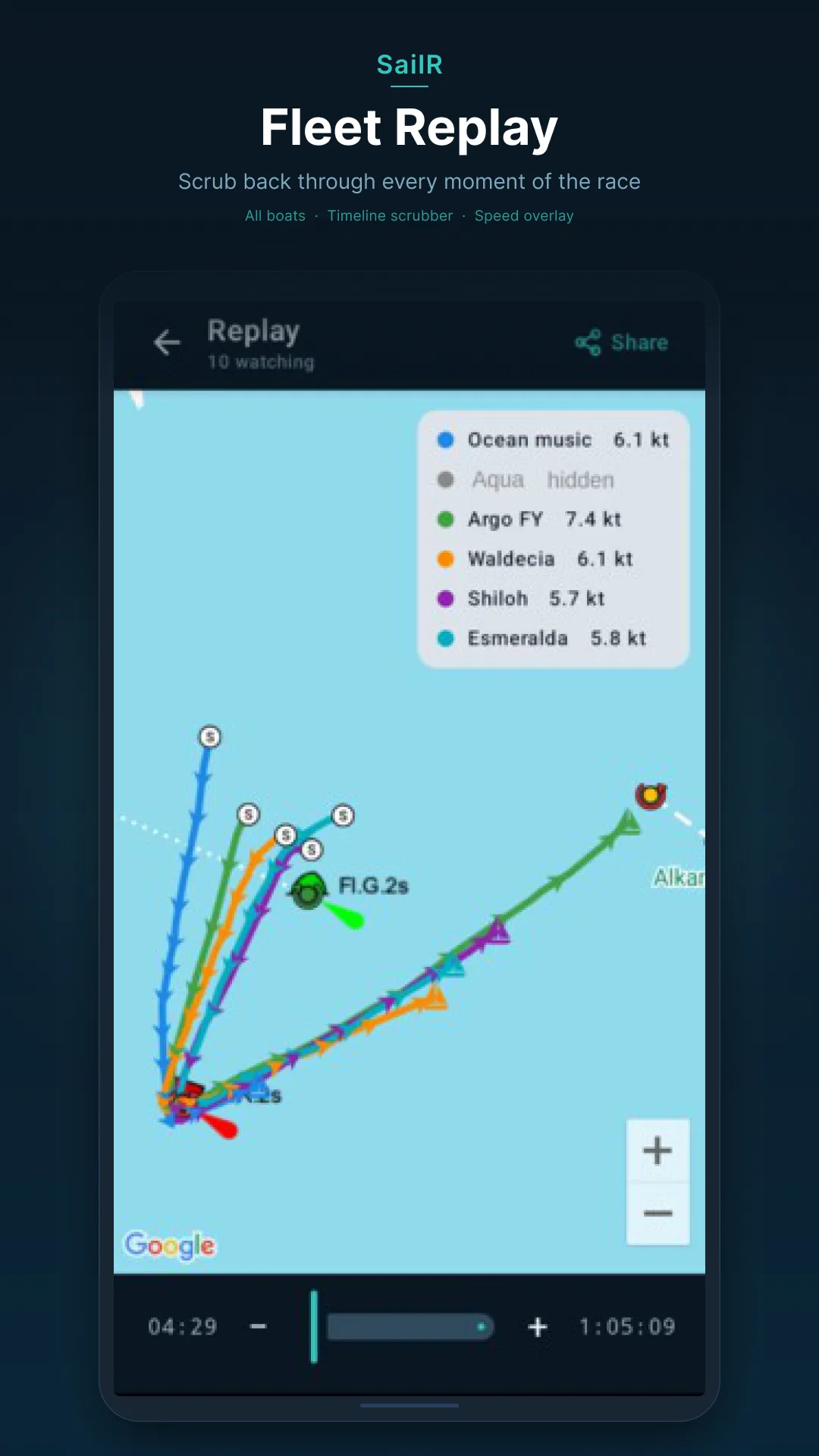
Replay & Analyse
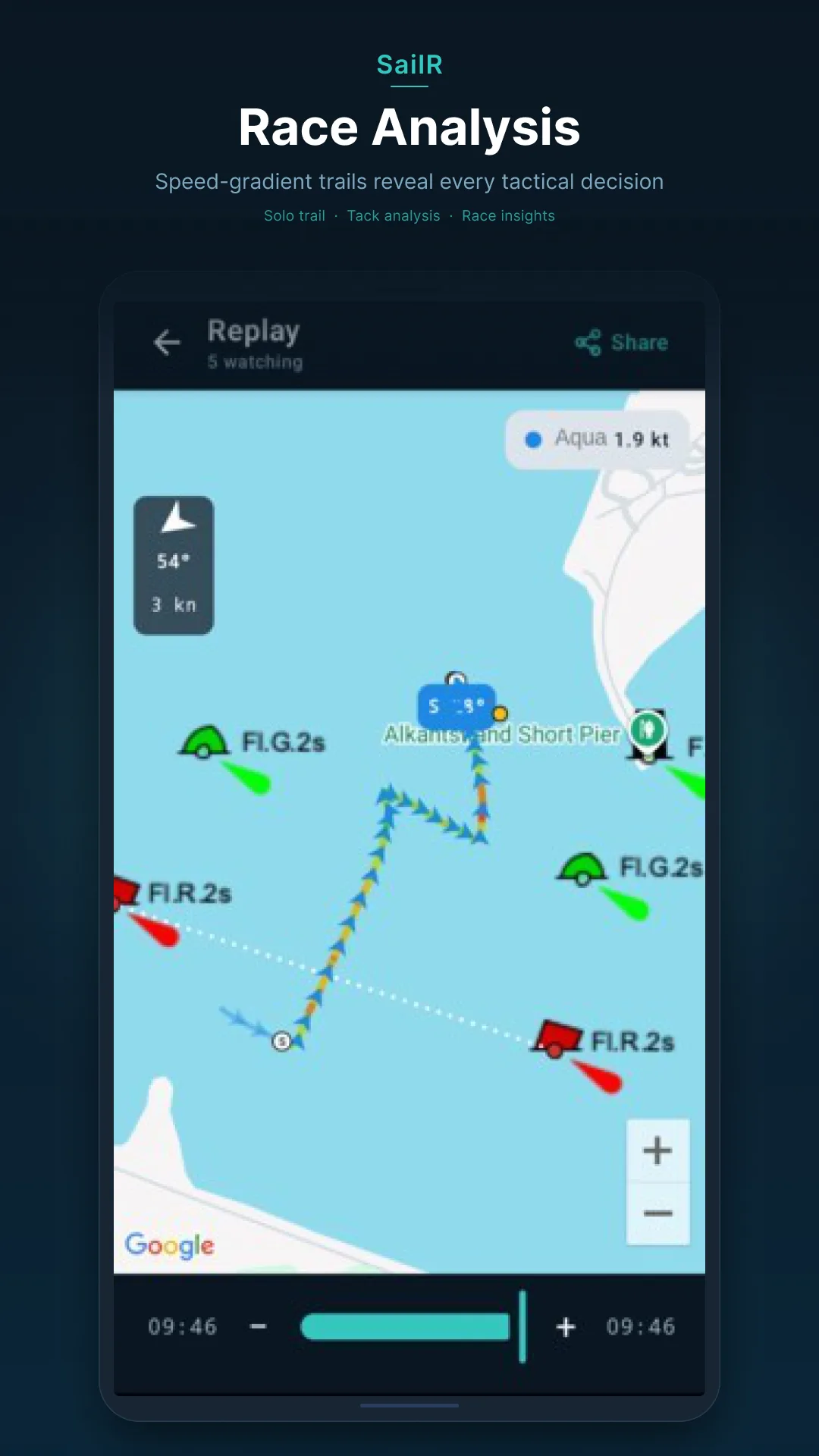
The moment the last boat finishes, a full scrubbable replay is ready — corrected times included.
Drag the timeline, toggle boats on and off, read the speed-gradient trail, and share the results with your fleet.
Ready to bring SailR to your club?
Free to download. Works on any Android phone.